Light shows on your car's own lights, from your phone
Hello Front and Hello Rear are free
You need a small OBD2 adapter (Bluetooth or Wi-Fi, from about £15) plugged into the port under your dash — that's how the app reaches your car's lights. The app does not connect to the car on its own.
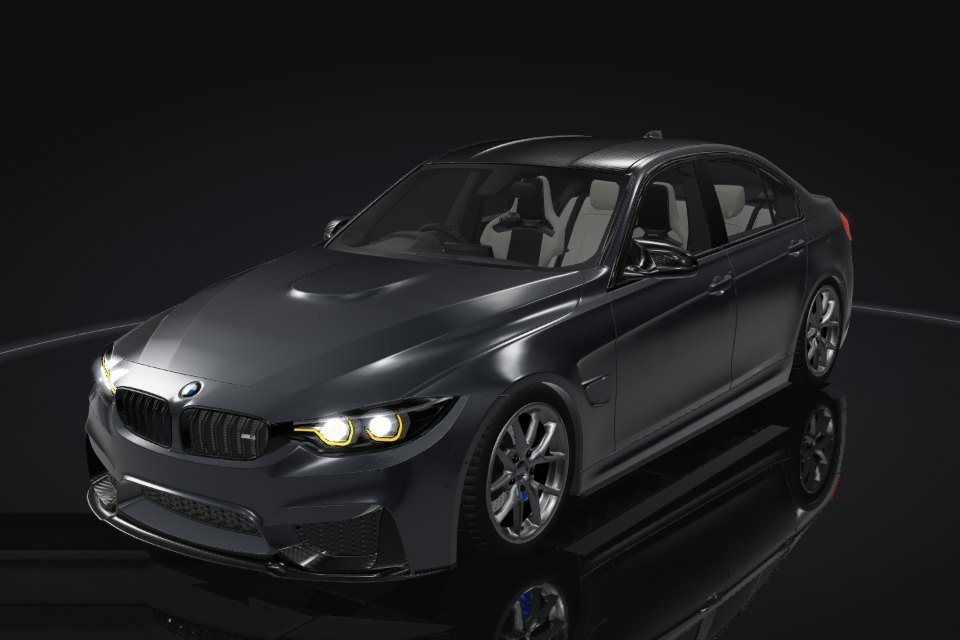
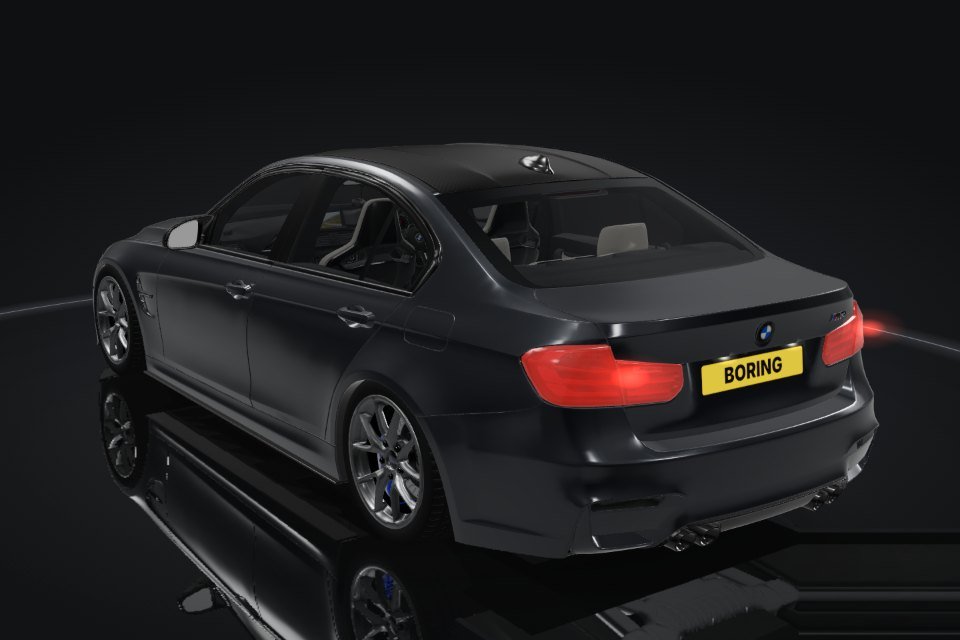
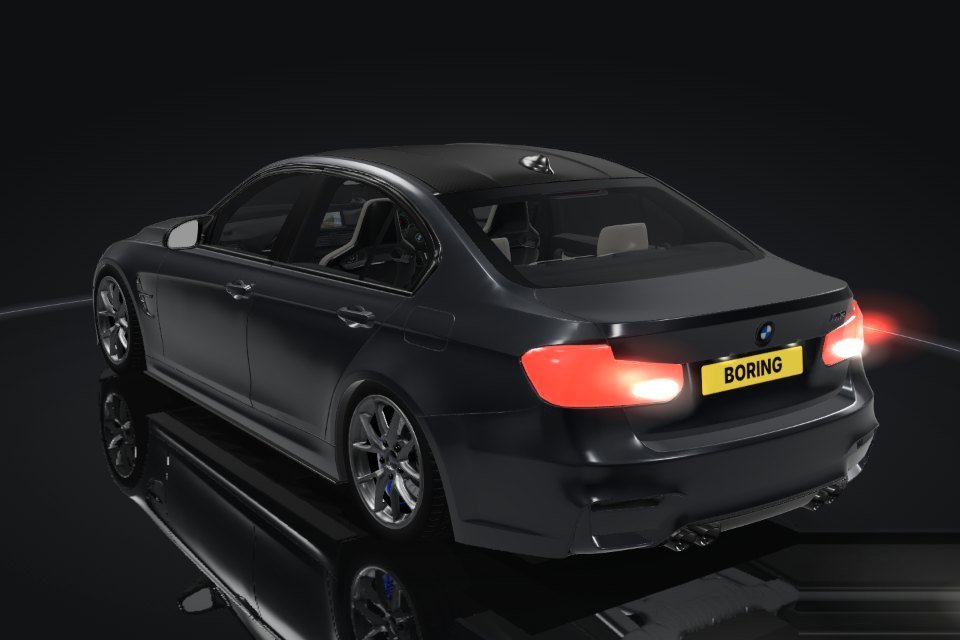
Plug an OBD adapter into your car, open the app and tap Hello: your headlights flash at the car ahead, your reverse lights wave to the one behind. Nothing on the car is changed.
How it works
Plug in an OBD adapter
Any Bluetooth OBD adapter, in the diagnostic port under the dashboard.
Best to leave in: OBDLink CX (wakes with the car, CarPlay keeps working). Cheaper: vLinker BM+. Veepeak BLE and Wi-Fi ENET adapters work too. Our picks
Open the app
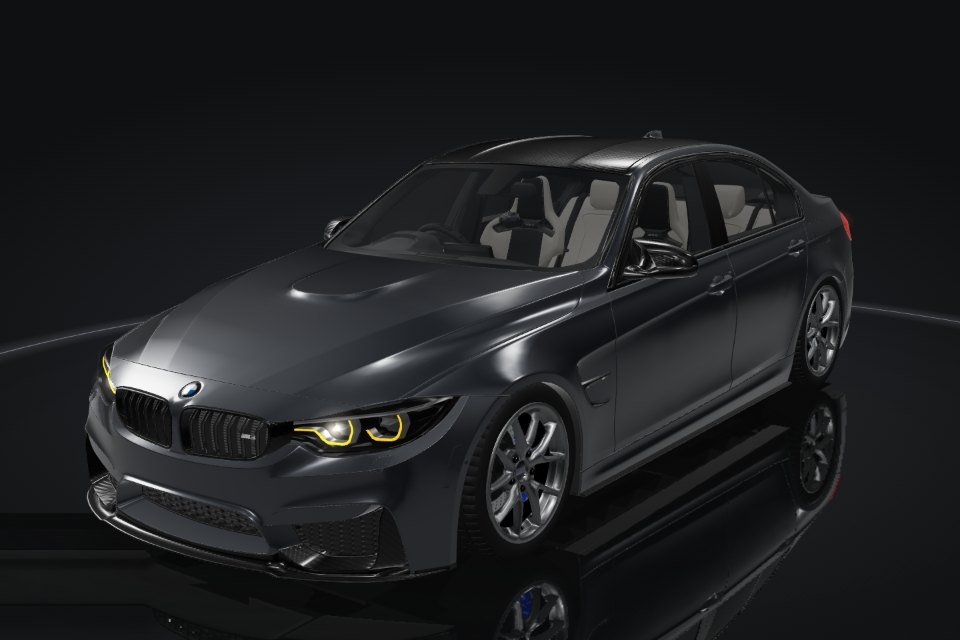
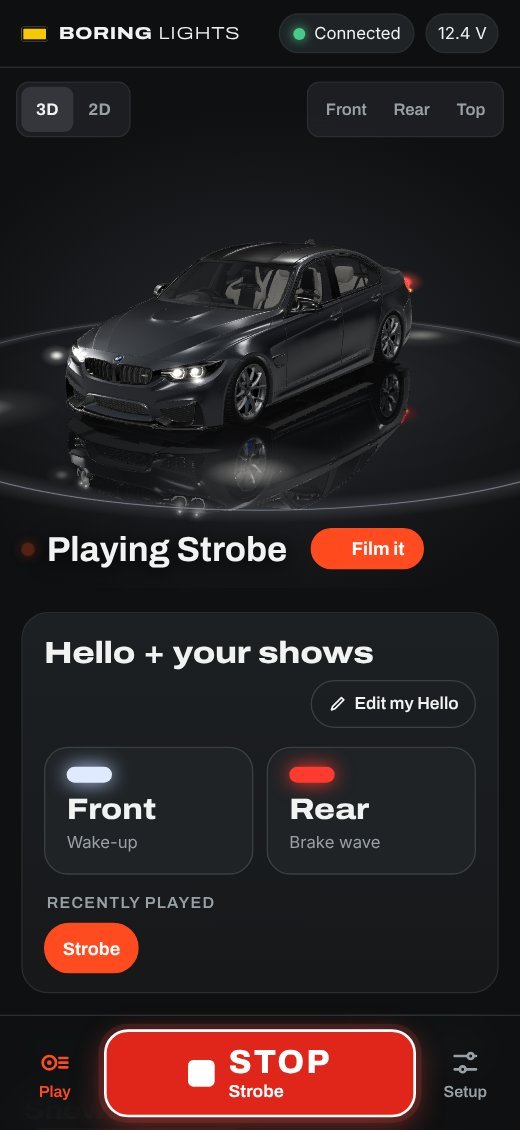
It finds the adapter by itself, works out your model and which lights it has, and shows your car in 3D.
Tap Hello
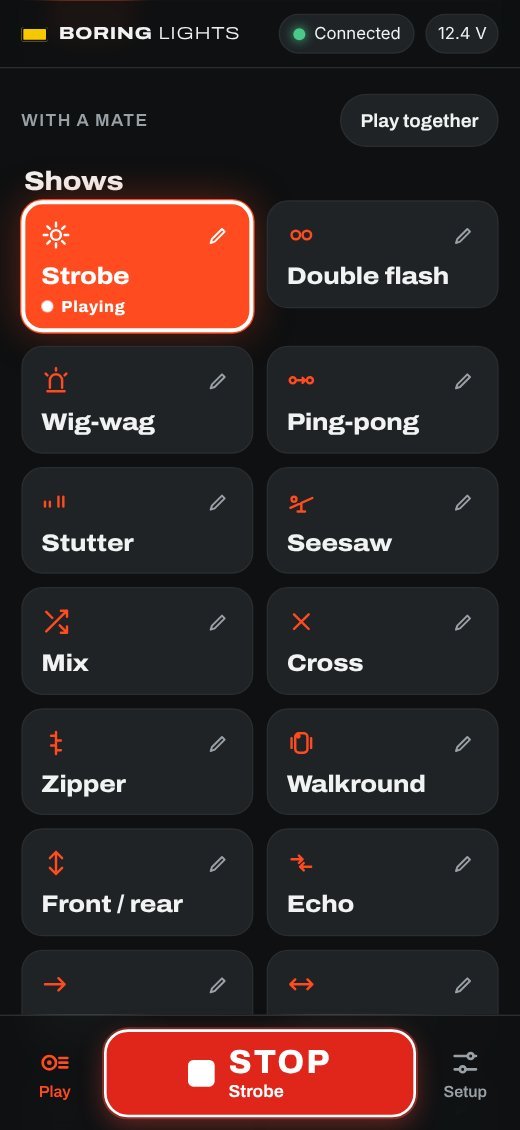
Hello Front flashes your headlights, Hello Rear your reverse lights. Or pick a show. Stop hands every light straight back to the car.
One small adapter and you're set
Your phone talks to the car through a small OBD2 adapter in the diagnostic port under the dashboard. Plug it in once: the app finds it by itself every time. The how-to-connect video is in the app.
- Find the OBD port under the dashboard on the driver's side.
- Push the adapter in firmly until it sits flat.
- Switch the ignition on (or start the engine).
- Open Boring Lights: it finds the adapter by itself. Don't pair it in the phone's Bluetooth settings.
Our picks
OBDLink CX (best overall), vLinker BM+ (best budget, not the plain BM), or a Veepeak Bluetooth (BLE) adapter (the one we test with).
As an Amazon Associate we earn from qualifying purchases.
Wireless CarPlay or Android Auto? They use your phone's Wi-Fi, so a Wi-Fi OBD adapter fights them. Pick a Bluetooth (BLE) adapter and both work at the same time.
If your adapter has no sleep mode, unplug it when the car will sit for a week or more, so it doesn't drain the battery. Bluetooth Classic-only adapters (e.g. OBDLink MX+) won't connect on iPhone.
See it run
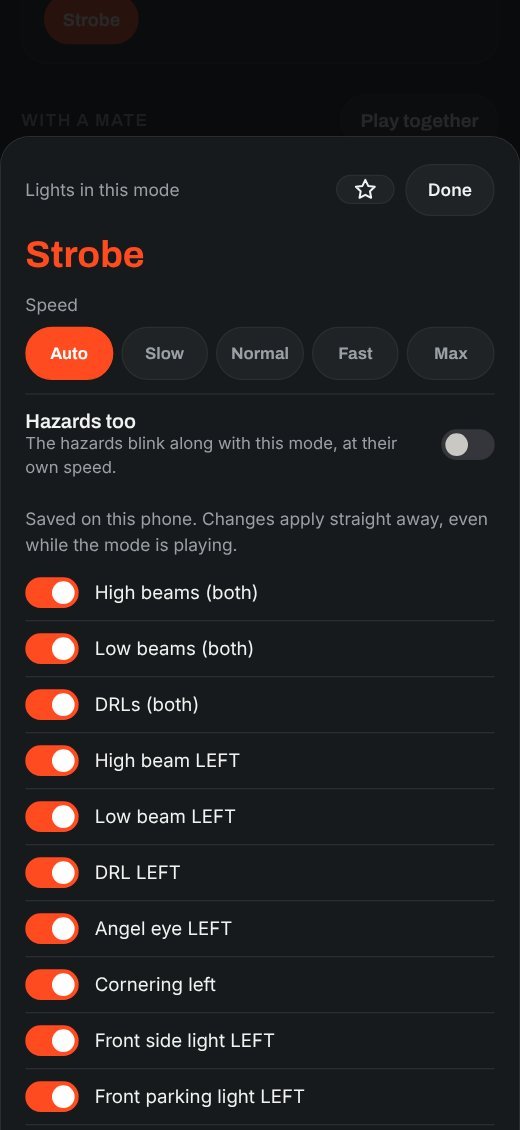
Headlights, daytime running lights, fogs, indicators, tail, brake and reverse lights: whatever your car has, the app uses.
Which cars
BMW F-series
1, 2, 3 and 4 Series, M2, M3 and M4 (2012 to 2020). Built and tested on an F80 M3.
Many more makes
BMW G-series and E-series, MINI, Rolls-Royce, Toyota and Lexus, Mazda, Nissan and more. Every car tests its own lights the first time.
Every other car
Connect any car and the app sends us its details by itself, so we can add it. Tap Notify me and we tell you when it's ready.
Free, and what the unlock adds
Start free. Unlock in the app when you want the full shows.
Free
For good, no sign-up
- Hello Front and Hello Rear, as often as you like
- One 45-second go of every show your car can do
- Your own car in 3D, with every light it has
Unlock
One payment in the app, no subscription
- Every show your car can do, for as long as you like
- Your own shows and playlists
- Everything in Free
Play together
Next to a mate's car? Start a group, they join with the 4-digit code, and both cars run the same show on the same second.
Film it
Tap Record and the show starts by itself: a 15-second video ready for Instagram or TikTok.
Hello, hands-free
"Hey Siri, Boring Lights hello rear". Also on the Action Button, the widget and in Control Centre.
Get Boring Lights
For iPhone and Android. Hello Front and Hello Rear are free.
Questions
Does it change anything on my car?
No. The app asks the car's own light modules to switch lights on and off through the OBD port, the same way a garage tests them. Nothing is coded or flashed, and Stop hands every light straight back to the car.
Can I use it while driving?
The app works whether the car is parked or moving, and while it moves, shows leave the brake lights, indicators and hazards to the car. Light shows are made for private property, car shows and events. Before your first show you agree not to use them on public roads, and you're responsible for following the laws where you are. See the terms of use.
What if my phone dies or I close the app?
The lights go back to normal: when you press Stop, after 10 minutes at most, on low battery, when the ignition goes off, or if the app is fully closed or the phone dies. Locking your phone doesn't stop a show.
Which adapter do I need?
Every car the app supports works with a Bluetooth adapter or a Wi-Fi adapter. BMW, MINI and Rolls-Royce from about 2011 (F, G and newer series) also take a Wi-Fi ENET adapter (the MHD or bm3 kind); older ones (E-series) use a Bluetooth or Wi-Fi OBD adapter. Wireless CarPlay or Android Auto run over your phone's Wi-Fi, so a Wi-Fi adapter can't be connected at the same time: pick a Bluetooth adapter and both run together. Wired CarPlay works with either. Find your car to see exactly what works on it, and our Bluetooth picks (the best ones sleep when the car is off, so they can stay plugged in).
Will it work on my car?
BMW F-series is tested, and many more makes are supported. Check your make for one honest answer, or see the full car list. If yours isn't there yet, connect it once and we can add it.
Do you make Tesla light shows?
Teslas have their own light show feature. Our Tesla light show maker builds shows for it.