Turn your car's own lights into a light show
Strobe, wig-wag, chase, build-up and shows you make yourself, from your iPhone through an OBD adapter. No coding, and nothing on the car is changed.
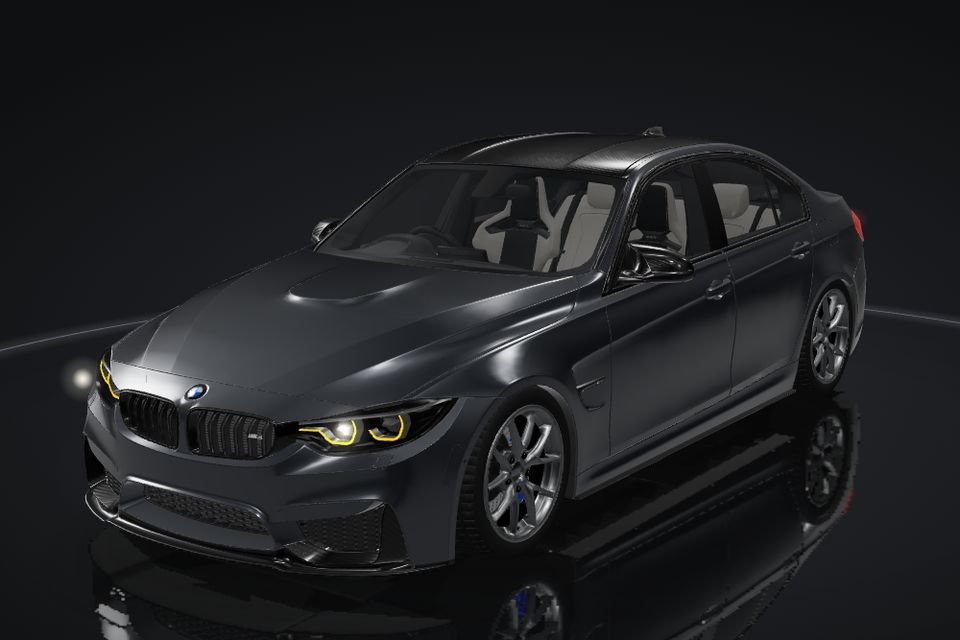
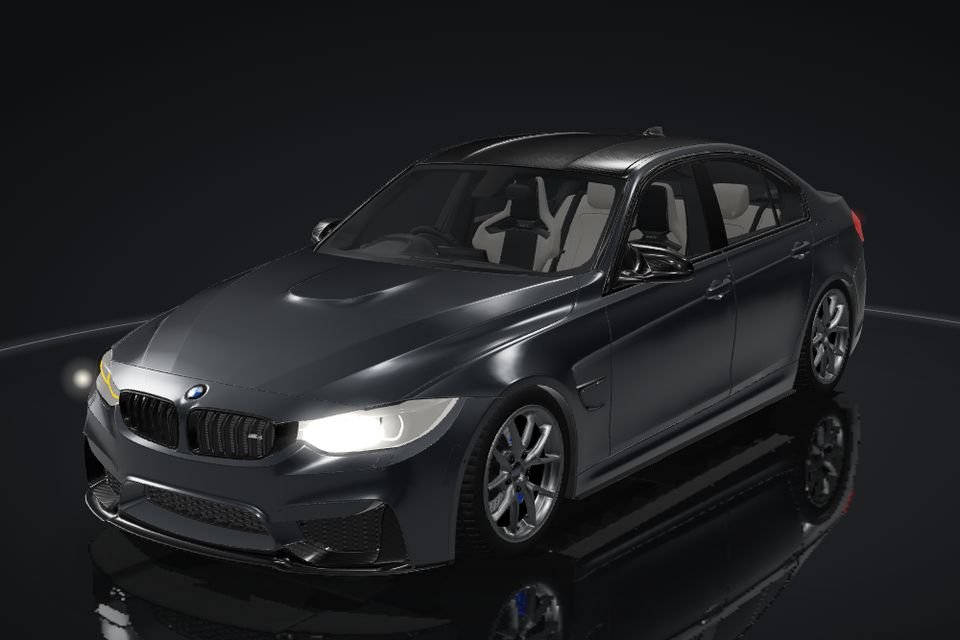
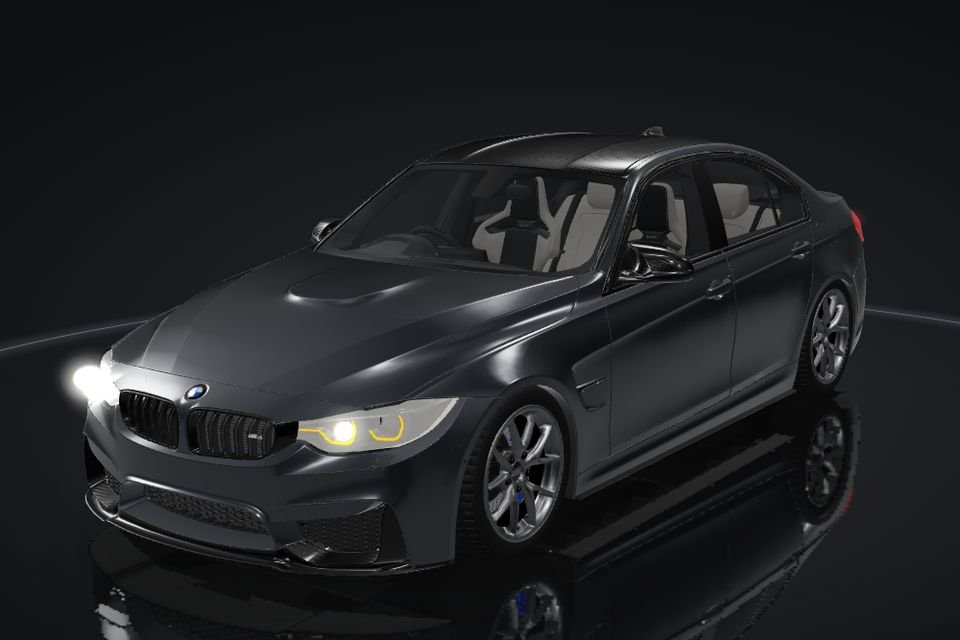
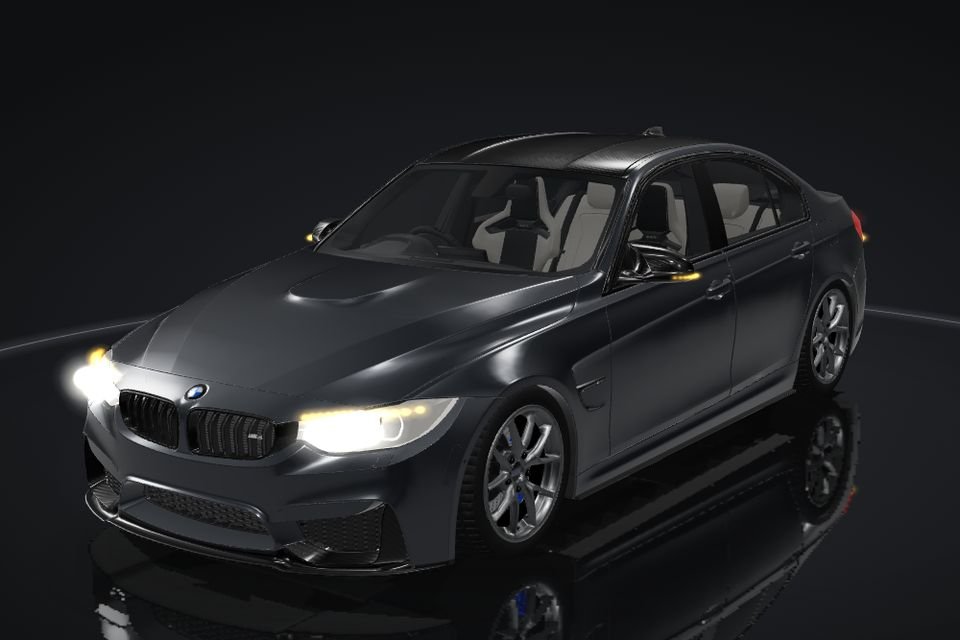
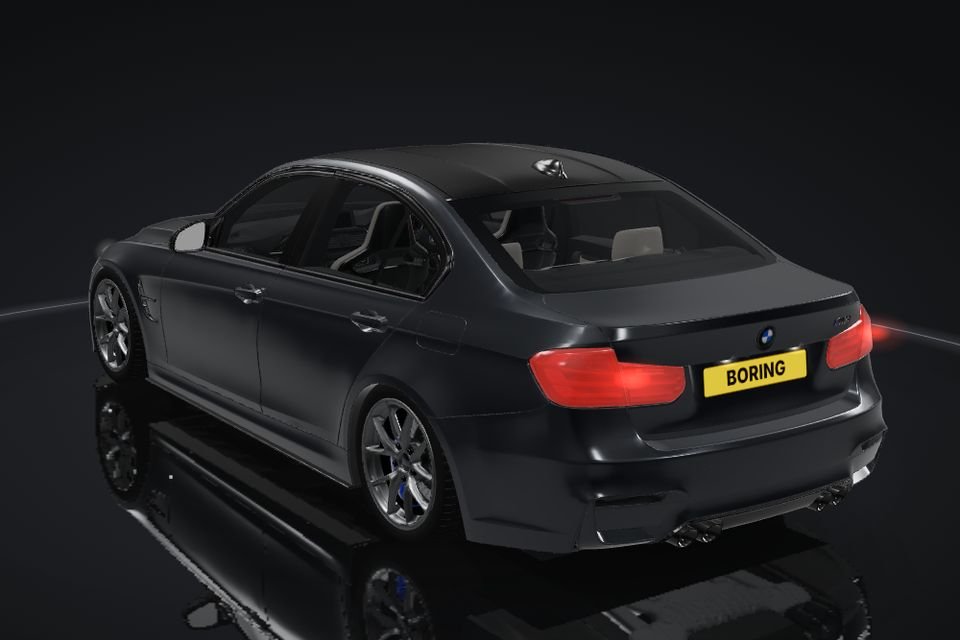
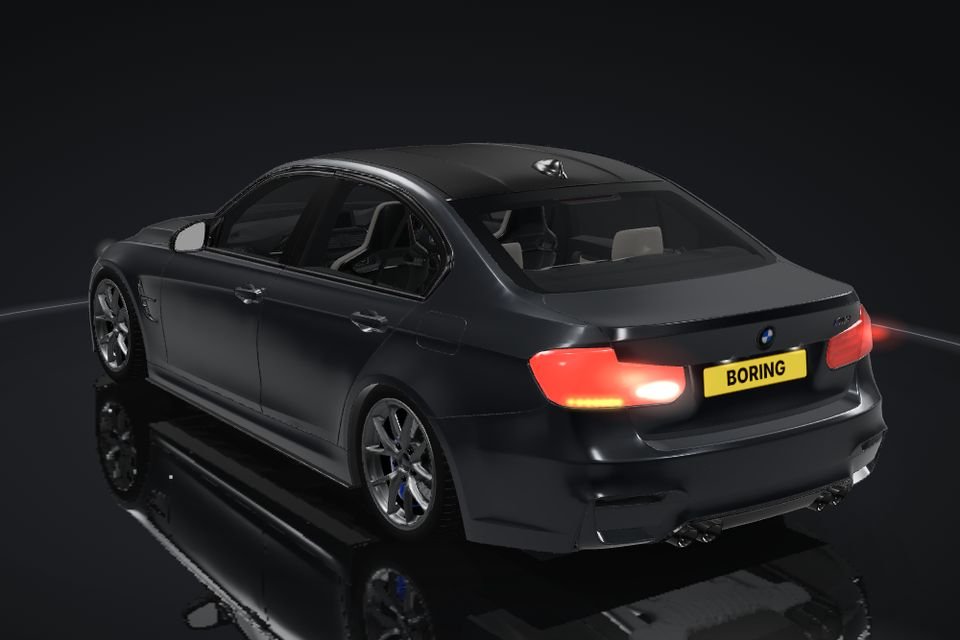
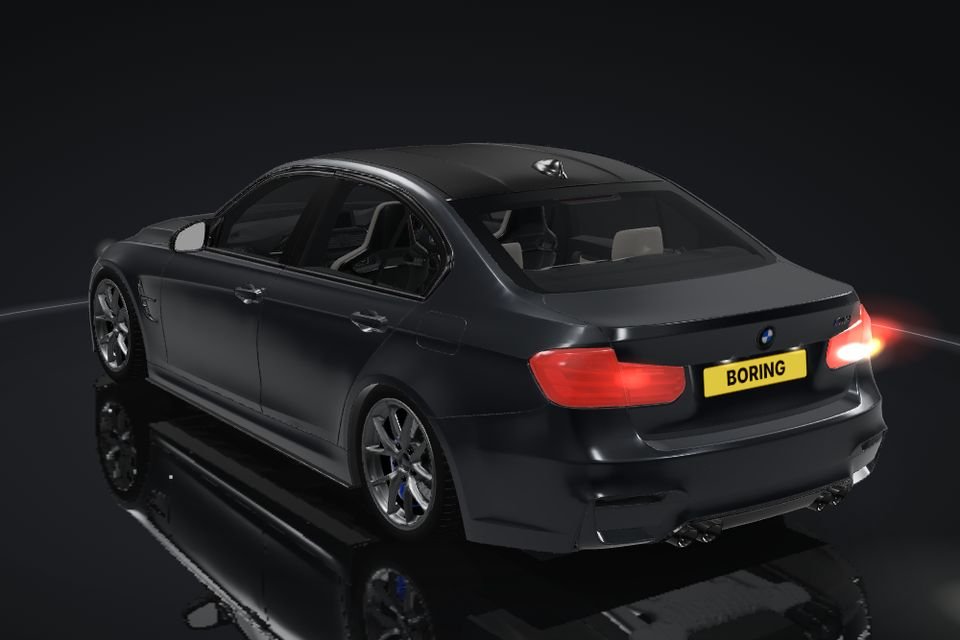
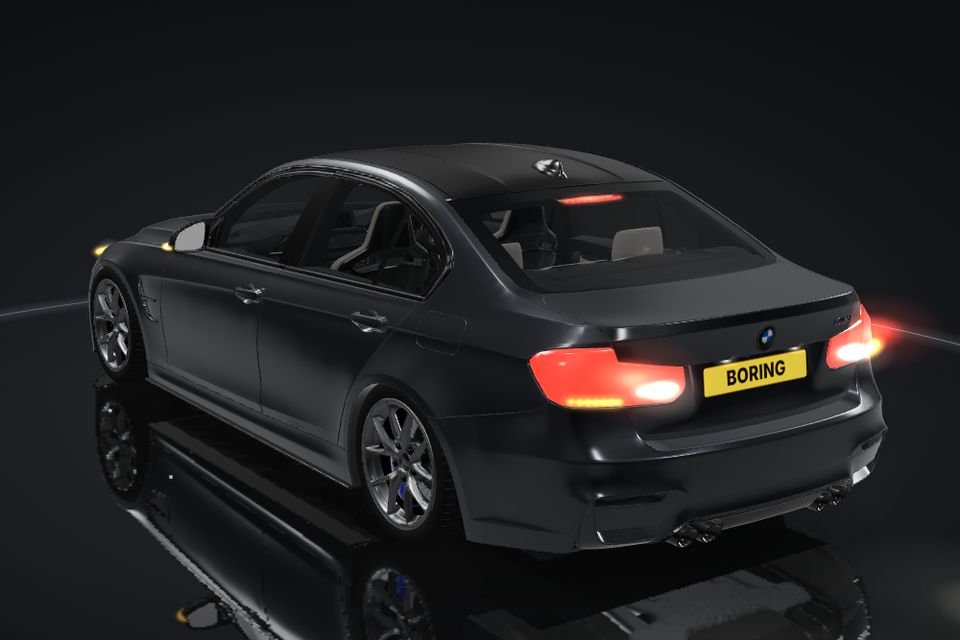
See it run
Filmed with the app, no editing.
Your car, your lights
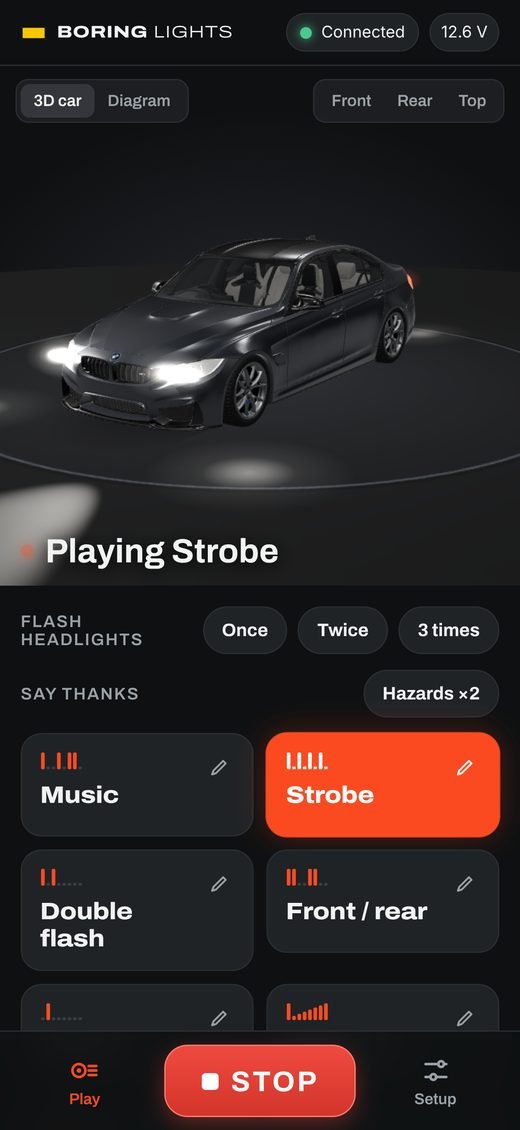
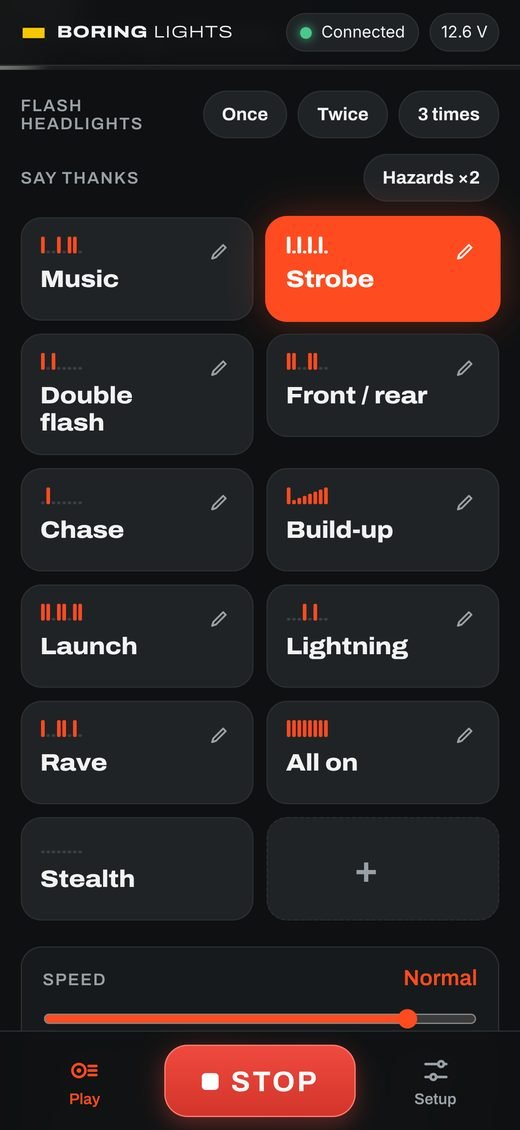
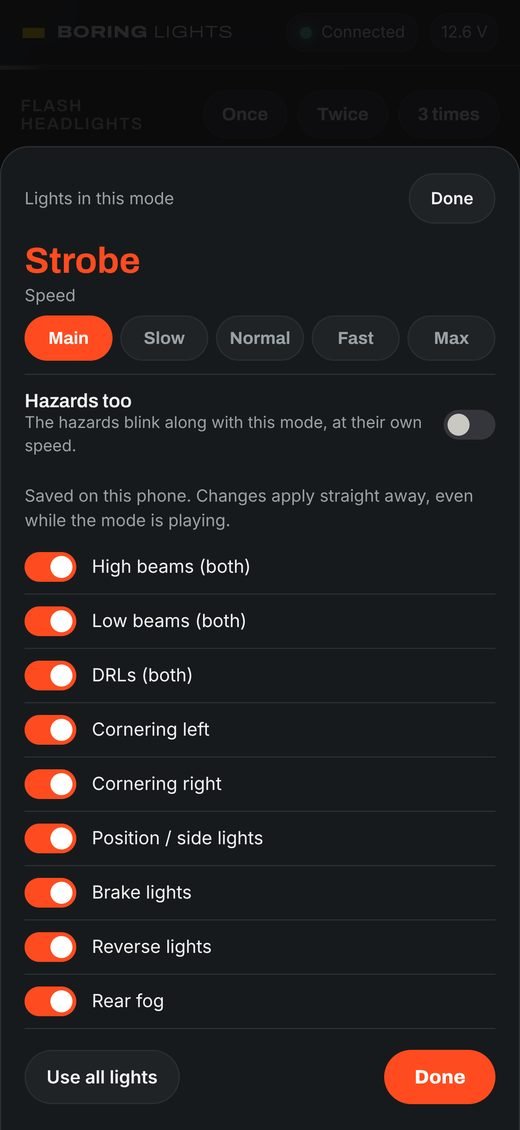
Headlights, daytime running lights, fogs, indicators, tail, brake and reverse lights: whatever your car has, the app uses. Pick a show, or make your own and watch it on your car in 3D before you run it.
How it works
Plug in an adapter
Any Bluetooth OBD adapter in the car's diagnostic port. The app finds it by itself.
It reads your car
The app works out your model and which lights it has, and shows your car in 3D.
Tap a show
Strobe, wig-wag, chase and more, at any speed. Stop hands every light straight back to the car.
More than flashing
Play togetherNew
Parked next to a mate's car? One phone starts a group and shows a 4-digit code, the other joins with it, and both cars start the same show on the same second.
Film it
Point your phone at your car and tap Record: the show starts by itself and you get a 15-second video ready for Instagram or TikTok. On your own? Flip to the front camera or set the 10-second timer and walk into the shot. No adapter yet? It films the 3D car doing the show instead.
Say hello, hands-free
"Hey Siri, Boring Lights hello rear" waves to the car behind you, "hello front" to the one ahead. Also on the Action Button, the widget and in Control Centre.
Safe by design
Every light goes back to the car when you press Stop, after 10 minutes at most, on low battery or when the ignition goes off.
Which cars
BMW F-series
1, 2, 3 and 4 Series, M2, M3 and M4 (2012 to 2020). Built and tested on an F80 M3.
Many more makes
BMW G-series and E-series, MINI, Rolls-Royce, Toyota and Lexus, Mazda, Nissan and more. Every car tests its own lights the first time.
Every other car
Connect any car and the app sends us its details by itself, so we can add it. Tap Notify me and we tell you when it's ready.
What you need
An OBD adapter. Best to leave in the car: OBDLink CX (Bluetooth). It sleeps when the car is off and wakes with it, so it connects by itself, and wireless CarPlay keeps working. Cheaper: vLinker BM+. Veepeak BLE and Wi-Fi ENET adapters (MHD etc.) work too.
Safety
Use light shows only when parked, where it's allowed, never on a public road. Every light goes back to normal when you press Stop, and after 10 minutes at most. See the terms of use.